BUILD SKILLS. FROM YOUR BROWSER.
Visual editor. Guided creation. Team sharing. Manage your AI skills from a web dashboard — no code, no terminal, no files to wrangle.
Point. Click. Publish.
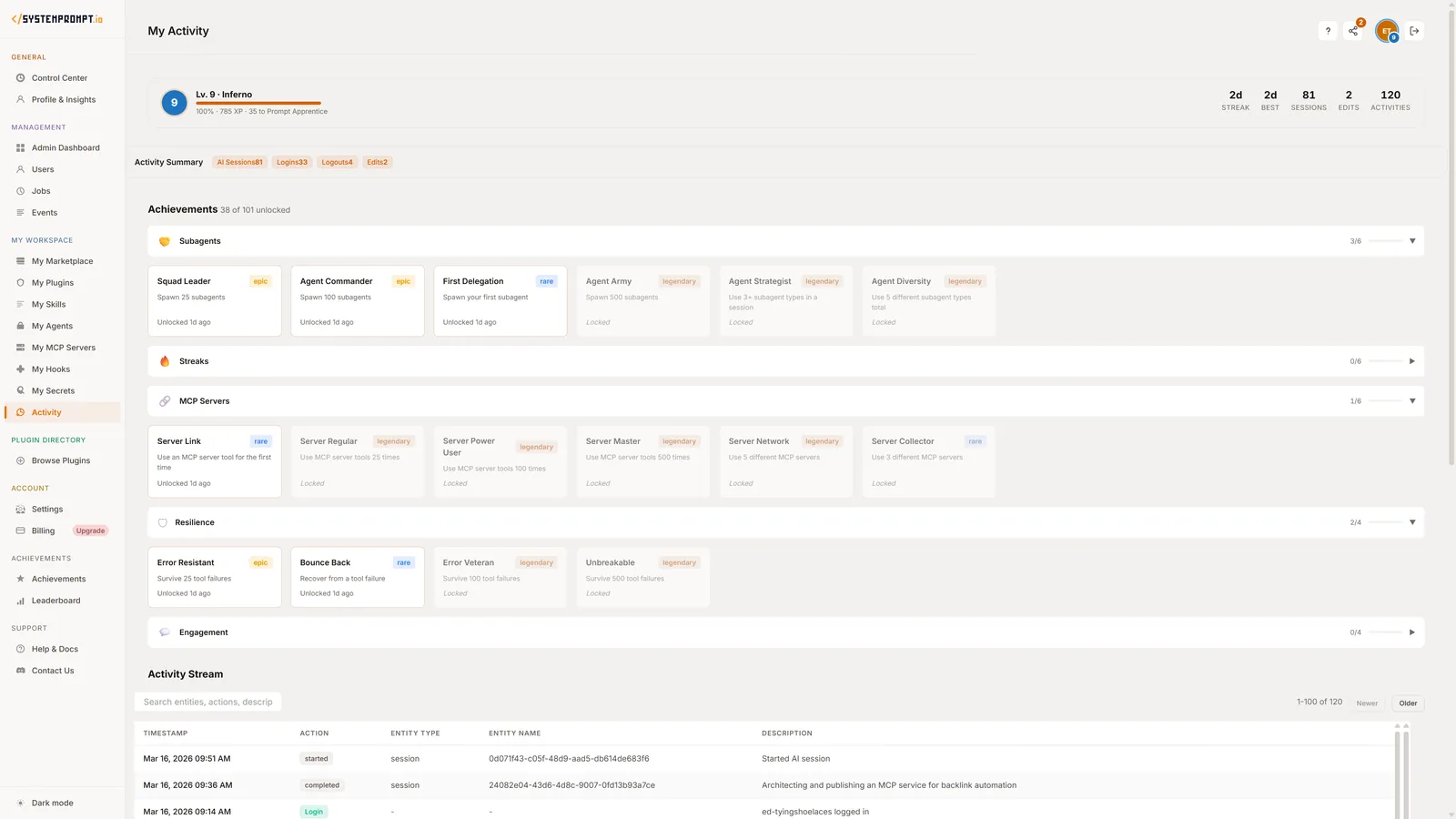
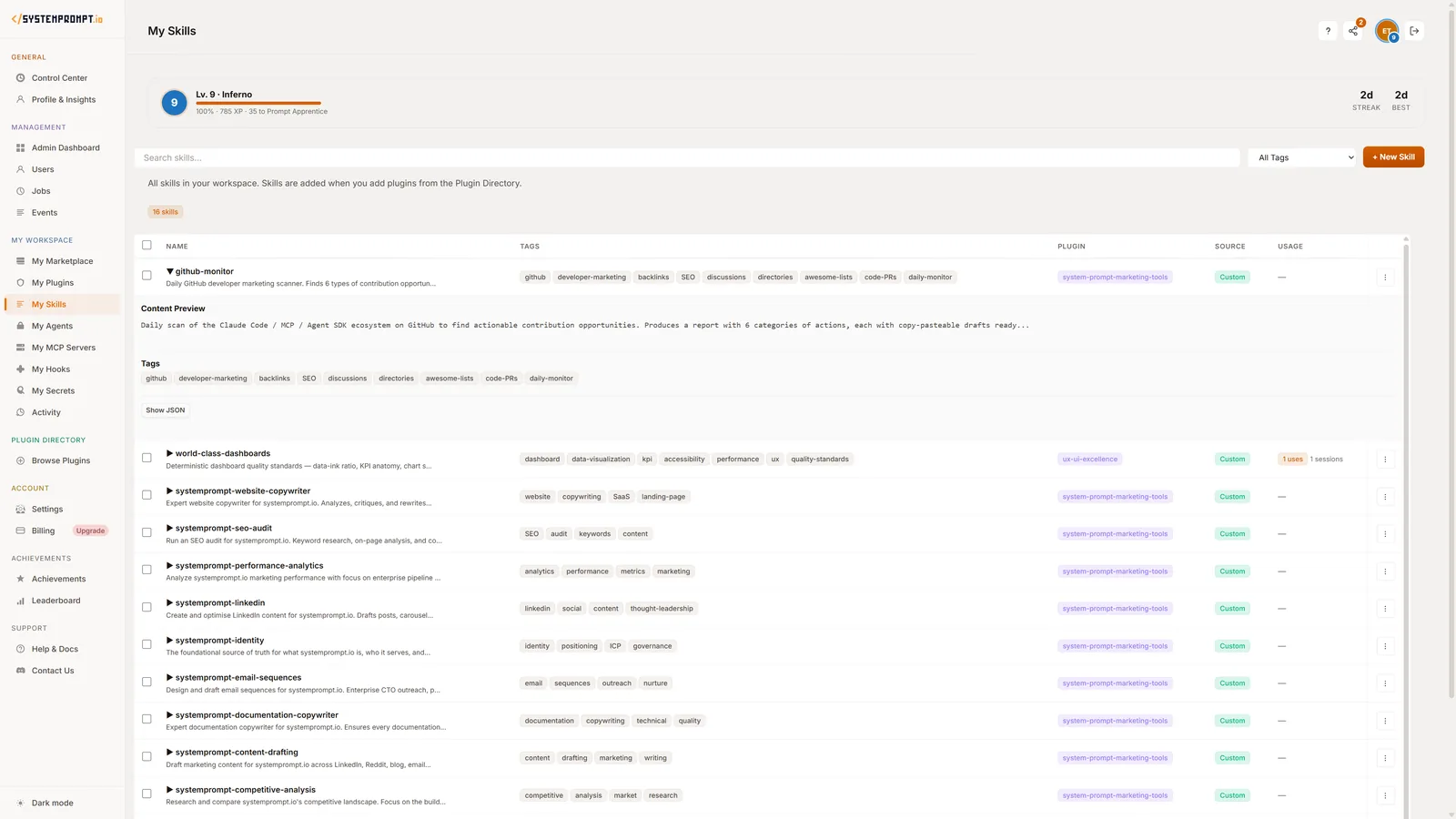
Create and edit AI skills entirely from your browser. The visual editor gives you a rich text interface for writing skill instructions — write naturally, format visually, publish instantly.
Each skill has a clear structure: name, description, instructions, and optional examples. The editor guides you through each section with helpful prompts. Preview how your skill will behave before publishing it to Cowork.
Edit any skill at any time. Changes sync to Cowork automatically — your AI agents always have the latest version of every skill.
- Rich Text Editor — Write skill instructions naturally with formatting, lists, and structure. No code or special syntax.
- Live Preview — See how your skill will work before publishing. Test with sample prompts right in the editor.
- Instant Publishing — One click to publish. Your skill is live in Cowork within seconds.
Tell Us About Your Business.
Don't know where to start? Our guided assistant does. It asks you questions about your business — your industry, your brand voice, your common tasks, your workflows — and creates personalized AI skills based on your answers.
The assistant analyzes your website to understand your tone and positioning. A marketing agency gets content and client management skills. A law firm gets document review and case summary skills. An e-commerce business gets product description and customer support skills.
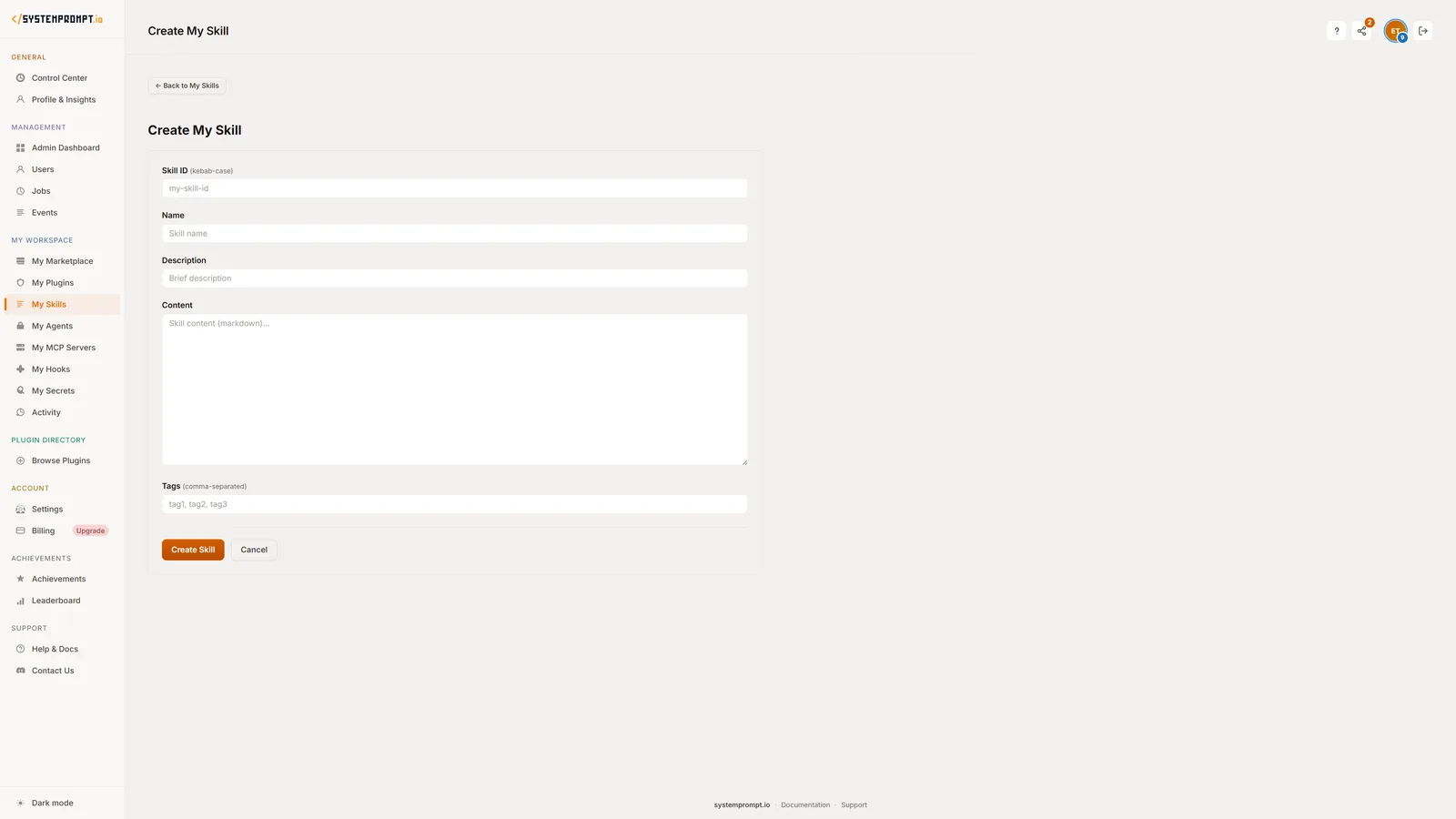
The guided flow runs inside Cowork itself. Just install the plugin and the setup assistant starts automatically. Skills it creates appear on your dashboard for further editing.
- AI-Powered Setup — Answer questions about your business. The assistant creates tailored skills automatically.
- Website Analysis — Share your URL and the assistant learns your brand voice, tone, and positioning from your existing content.
- Industry-Specific Skills — Get skills designed for your industry — marketing, legal, e-commerce, consulting, and more.
One Skill. Every Team Member.
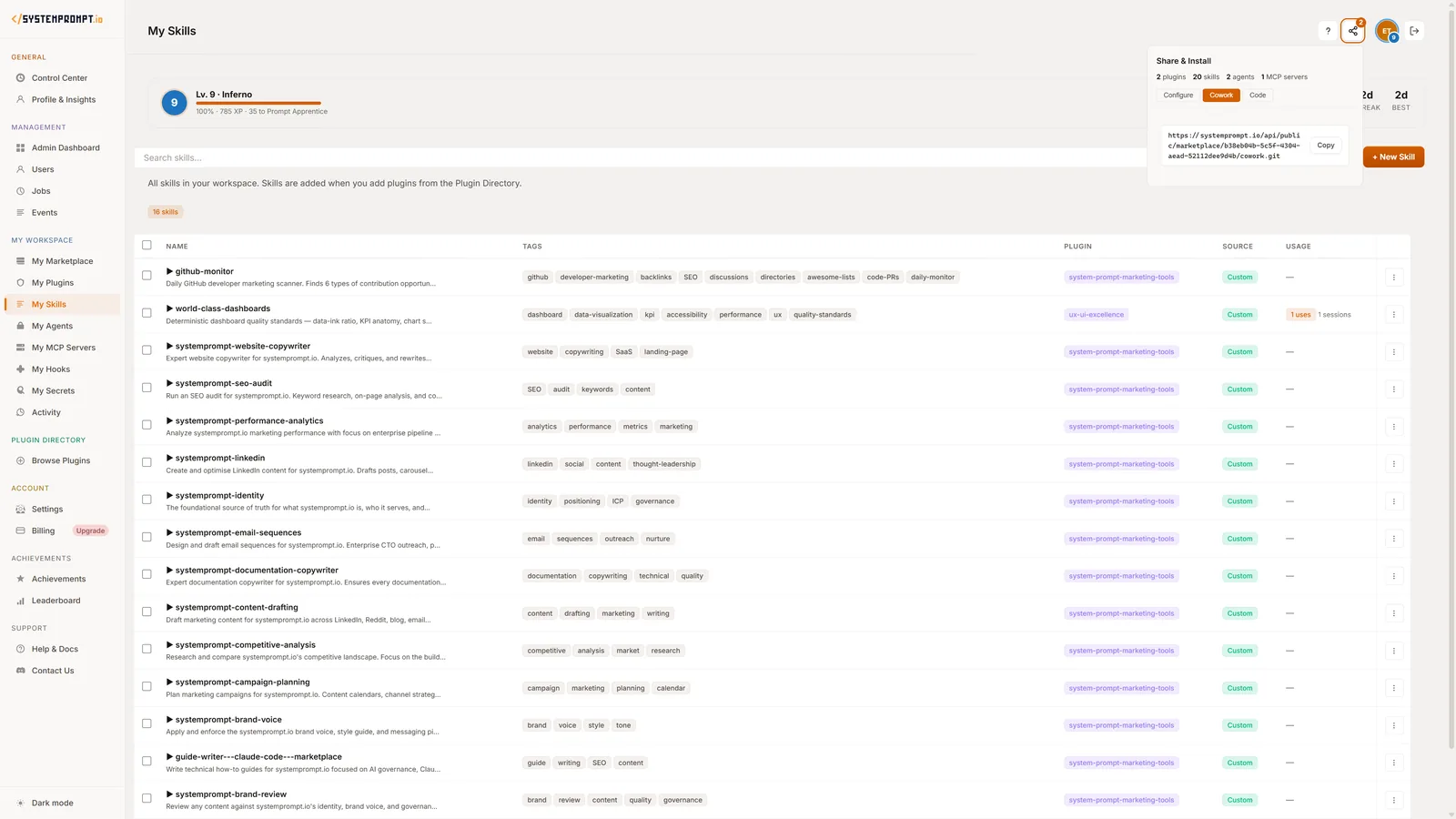
Create a skill once and share it with your entire team. Team workspaces let you manage who has access to which skills. Everyone gets consistent AI behavior — same brand voice, same processes, same quality standards.
Admins control the skill library. They create and publish skills that team members can use but not modify. Team members can also create personal skills that only they use. The right balance of consistency and flexibility.
Team sharing is available on Pro plans. Free plans support individual use with up to 10 skills.
- Team Workspaces — Organize skills by team. Marketing gets marketing skills. Support gets support skills. Everyone stays focused.
- Admin Controls — Admins publish official skills. Team members use them. Clear ownership and quality control.
- Personal + Shared — Team skills for consistency, personal skills for individual workflows. Both sync to Cowork.
Every Change. Every Version.
Every edit to a skill is saved. Version history lets you see what changed, when it changed, and who changed it. Roll back to any previous version with one click if something doesn't work as expected.
Version history gives you confidence to experiment. Try a new approach to your brand voice skill. If the results aren't what you wanted, roll back instantly. No risk, no lost work.
Pro plans include usage analytics — see which skills are used most, track adoption across your team, and identify opportunities to create new skills based on common tasks.
- Full Edit History — Every change tracked. See what was modified, when, and by whom. Complete audit trail.
- One-Click Rollback — Something not working? Roll back to any previous version instantly. No risk to experiment.
- Usage Analytics — Pro plans show which skills are used most and by whom. Data-driven skill management.